
Introduction
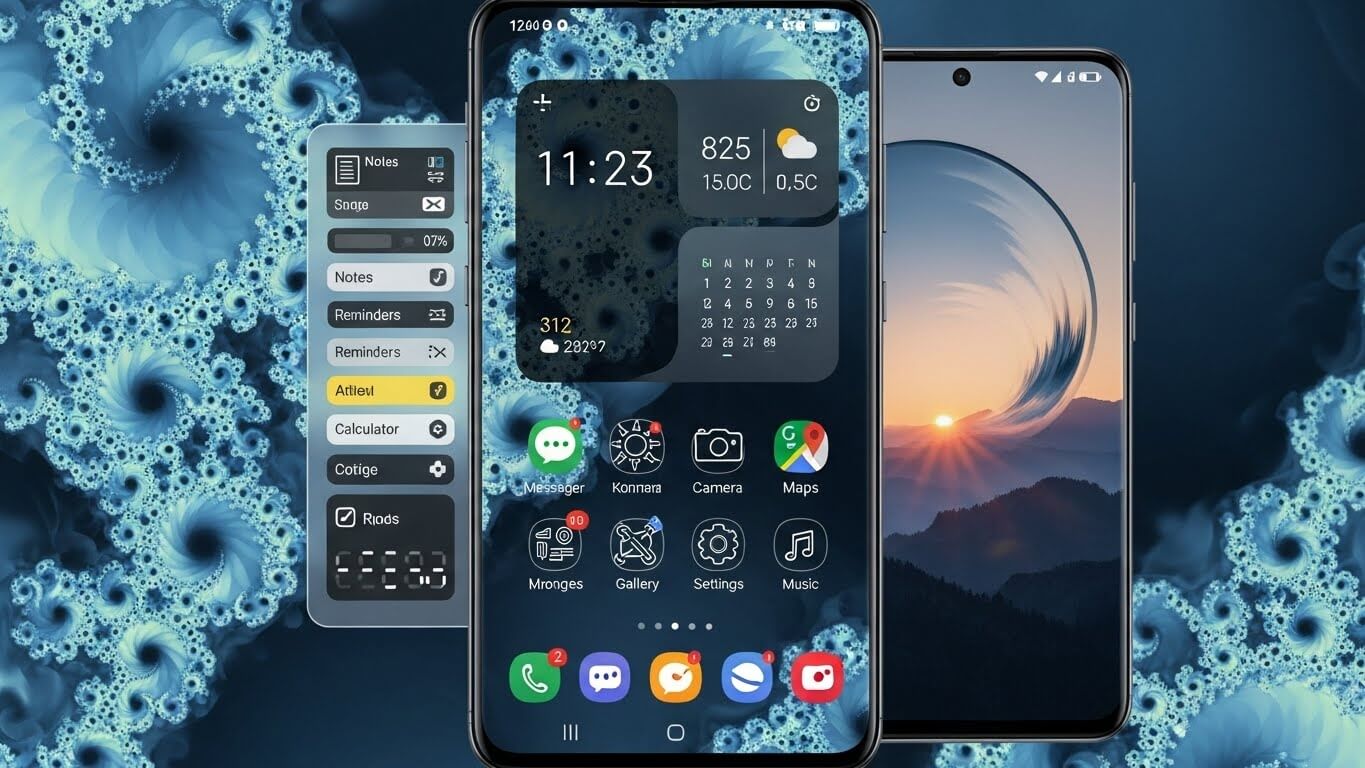
Your phone layout is something you see and use every single day, yet many people never realize how much it can be improved. Samsung phones offer powerful customization options that allow users to shape their screens in ways that match their habits, style, and comfort.
When people search for Samsung phone layout ideas, they are usually looking for ways to make their phone easier to use, more attractive, or simply more personal. This article explores thoughtful, practical, and creative layout ideas that help turn any Samsung phone into a device that truly feels like your own.
Why Phone Layout Matters More Than You Think
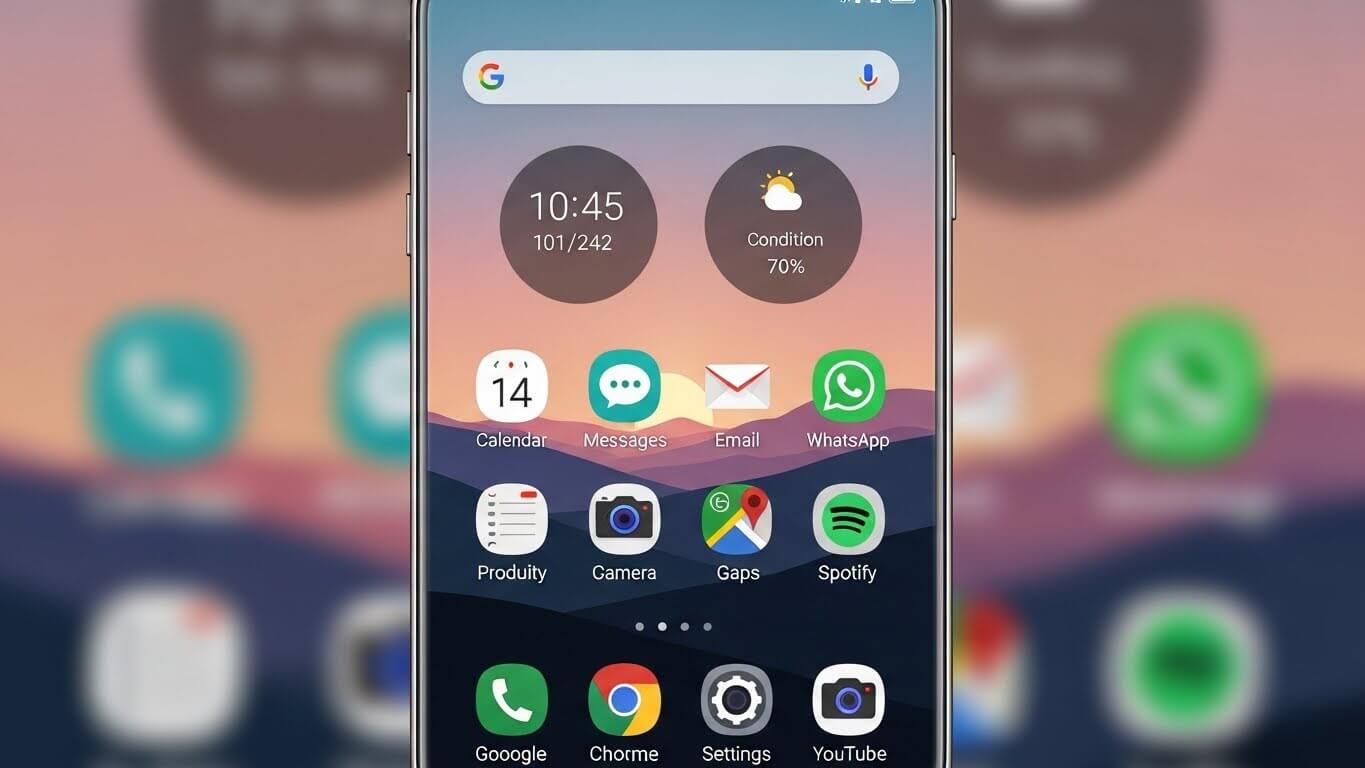
A phone layout is not just about looks. It affects how quickly you open apps, how relaxed your eyes feel, and how smooth your daily phone use becomes. A cluttered screen can feel stressful, while a clean layout can feel calm and organized. Samsung phones are especially good for layout customization, which makes them perfect for users who want control.
Exploring samsung phone layout ideas can improve productivity, reduce distractions, and make your phone experience more enjoyable.
Understanding Samsung’s One UI Design
Samsung’s One UI is designed with comfort in mind. It places important elements within thumb reach and allows users to customize almost everything. From icon size to widget placement, One UI gives freedom without confusion.
Before applying new samsung phone layout ideas, it helps to understand that One UI is built to support both simple and advanced layouts, making it suitable for beginners and experienced users alike.
Minimalist Home Screen Layout
One of the most popular samsung phone layout ideas is the minimalist home screen. This layout focuses on simplicity by limiting the number of apps on the main screen. A clean background, a single clock widget, and only essential apps create a peaceful look.
This approach reduces visual noise and helps users focus on what truly matters. Minimalist layouts are ideal for people who prefer calm and clarity in their digital space.
App Folder Organization for Easy Access
Folders are a powerful but often underused feature. Creating smart folders based on purpose rather than app type is one of the smartest samsung phone layout ideas.
For example, grouping daily-use apps like messages, browser, and calendar can save time. Samsung allows custom folder colors and names, which makes organization more intuitive and visually appealing.
Widget-Based Layout for Daily Information
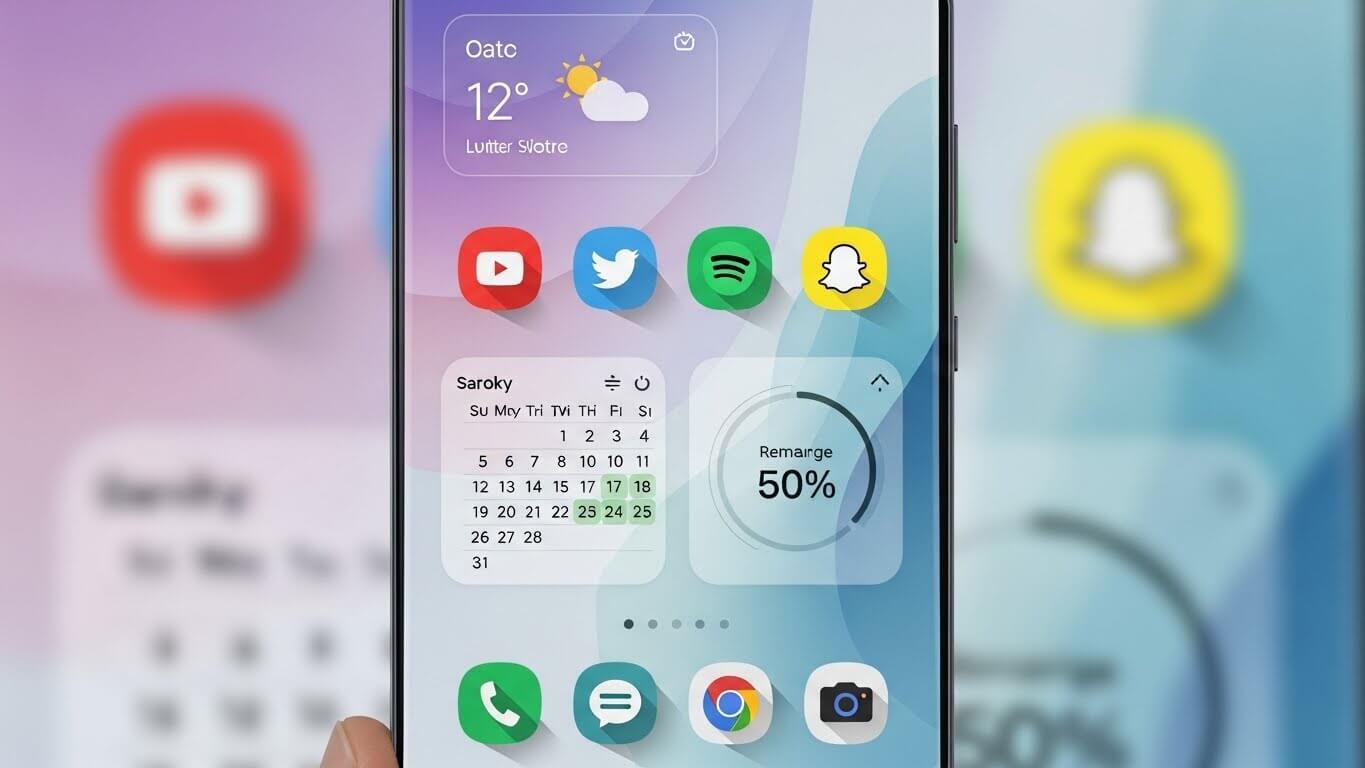
Widgets turn your home screen into a useful dashboard. Samsung offers a wide range of widgets, from weather and calendar to battery and music controls. Using widgets wisely is one of the most effective samsung phone layout ideas. Large widgets provide instant information without opening apps, making daily phone use faster and smoother. A balanced widget layout can feel both modern and functional.
One-Handed Layout for Comfort
Many users prefer layouts that can be used with one hand. Samsung supports this through flexible icon placement and One UI design choices. Placing important apps near the bottom of the screen is one of the most practical samsung phone layout ideas. This layout reduces strain and makes phone use more comfortable, especially for users who are always on the move.
Color-Themed Home Screen Design
Choosing a color theme for your layout adds harmony and personality. Samsung phones allow icon packs and wallpapers that match specific color schemes. One of the more creative samsung phone layout ideas is to match icons, widgets, and backgrounds in similar tones. This creates a clean and pleasing look that feels carefully designed rather than random.
Productivity-Focused Layout for Busy Users
For people who use their phone for work or study, a productivity layout can make a big difference. This type of layout focuses on task apps, reminders, and calendars. Keeping distractions off the main screen is one of the most useful samsung phone layout ideas for staying focused. A dedicated work screen can help users manage time better and reduce unnecessary phone usage.
Entertainment Layout for Media Lovers
Some users mainly use their phones for music, videos, and games. An entertainment-focused layout puts media apps front and center. Widgets for music control or video recommendations fit well here. This is one of the most enjoyable samsung phone layout ideas, as it makes entertainment instantly accessible without searching through menus.
Custom Lock Screen Layout Ideas

Samsung’s lock screen customization is often overlooked. Users can add widgets, clocks, and shortcuts that match their needs. A well-designed lock screen is part of smart samsung phone layout ideas, as it provides quick access without unlocking the phone. A simple lock screen layout can save time while still looking stylish.
Grid Size and Icon Spacing Customization
Changing the grid size can dramatically change how your phone feels. Samsung allows users to adjust how many apps appear on the screen. Choosing a grid that fits your comfort level is one of the most overlooked samsung phone layout ideas. Larger grids show more apps, while smaller grids create a clean and open look.
Use of App Drawer for a Cleaner Look
Some users prefer keeping their home screen simple and using the app drawer for everything else. This layout idea keeps only the most important apps visible. Using the app drawer effectively is one of the cleanest samsung phone layout ideas, especially for people who install many apps but want a tidy home screen.
Custom Layout for Older Users
Samsung phones are used by people of all ages, and layouts can be adjusted for comfort and clarity. Larger icons, simple widgets, and clear folders make navigation easier. These thoughtful samsung phone layout ideas focus on readability and ease of use, making the phone more accessible and friendly.
Using Themes to Refresh Your Layout
Samsung’s theme store allows users to change the entire look of their phone. Applying a theme can instantly refresh your layout without much effort. Choosing themes that support readability and balance is one of the easiest samsung phone layout ideas for users who want change without complexity.
Layout Ideas for Large Screen Samsung Phones
Larger Samsung phones offer more screen space, which can be used creatively. Split layouts, multiple widgets, and wider grids are excellent samsung phone layout ideas for big screens. These layouts make full use of the display while keeping everything organized and easy to reach.
Avoiding Common Layout Mistakes
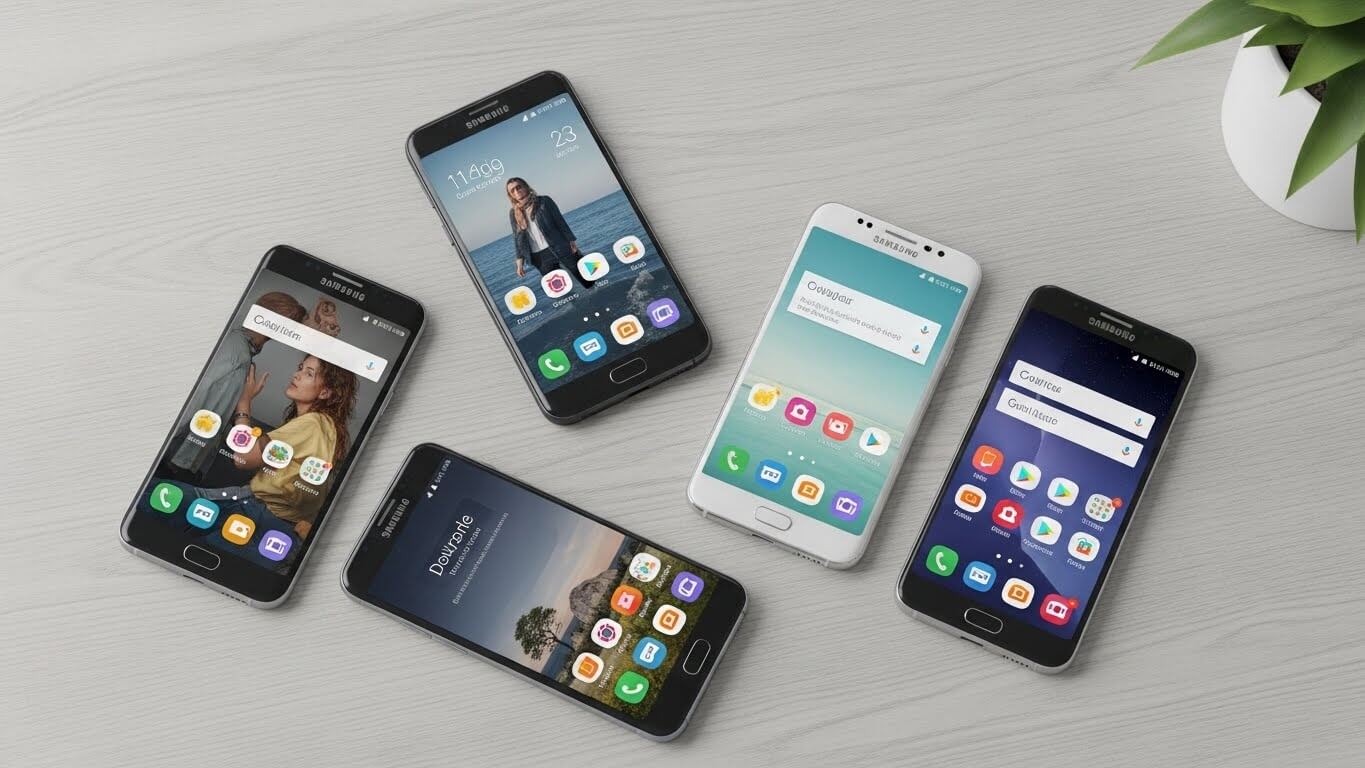
While customizing is fun, it is easy to overdo it. Too many widgets or colors can make a layout confusing. One of the most important samsung phone layout ideas is knowing when to stop. A good layout feels natural and helpful, not crowded or distracting.
Keeping Your Layout Fresh Over Time
Layouts do not need to stay the same forever. Changing them occasionally keeps your phone feeling new. Small updates like changing wallpaper or moving apps can refresh your experience. Long-term satisfaction often comes from flexible samsung phone layout ideas that grow with your needs.
Final Thoughts
Your phone should work for you, not against you. With the right samsung phone layout ideas, your device can become easier to use, more beautiful, and more enjoyable. Samsung’s customization options give users full control, allowing layouts that reflect personality, comfort, and purpose. By choosing thoughtful designs instead of random changes, you can create a phone layout that feels truly personal and perfectly suited to your daily life.
 Finixio Digital
  Wild Rise